
 8 minutes ago
2
Club.noww.in
A Python linear search checks each item in a list, one after another, until it finds the target, then returns its index, or -1 if it isn’t there. It works on any list, sorted or not:
def linear_search(items, target): for i, value in enumerate(items): if value == target: return i return -1I measured everything here, including the timings, on Python 3.12.5.
We’ll write the function with a comparison counter, look at the built-ins that do the same job, find every match, search a list of records, and see when you should use something faster.
Python linear search function
This version also counts comparisons, which shows the key fact about linear search: the further away the target is, the more work it takes:
def linear_search(items, target): comparisons = 0 for i, value in enumerate(items): comparisons += 1 if value == target: return i, comparisons return -1, comparisons cities = ["Boston", "Denver", "Austin", "Seattle", "Miami", "Phoenix", "Atlanta", "Chicago"] for target in ["Austin", "Chicago", "Portland"]: index, steps = linear_search(cities, target) print(f"{target:<9} index {index:>2} after {steps} comparison(s)")Output:
Austin index 2 after 3 comparison(s) Chicago index 7 after 8 comparison(s) Portland index -1 after 8 comparison(s)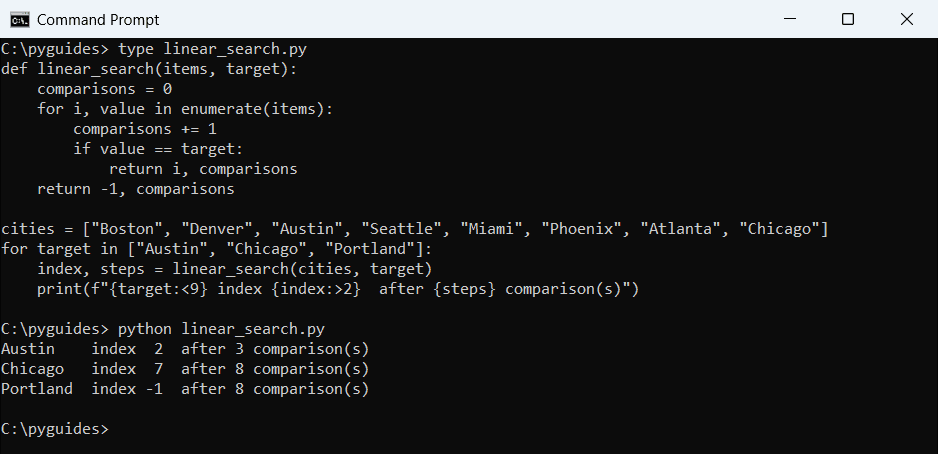 Austin took 3 comparisons, Chicago (the last item) took 8, and a missing city checked all 8 before returning -1.
enumerate() hands you the index and value together; see enumerate() in Python. That’s the whole algorithm: one loop, one comparison per item.
Built-in linear search: in, index() and next()
Python’s in operator and list.index() do a linear search for you, written in C, so they’re much faster than a Python loop:
cities = ["Boston", "Denver", "Austin", "Seattle", "Miami"] print("Austin" in cities) # True/False only print(cities.index("Austin")) # position of the first match try: cities.index("Portland") except ValueError as err: print("ValueError:", err) prices = [12.50, 48.00, 7.25, 99.99, 61.10] print(next((p for p in prices if p > 50), None)) # first value over $50 print(next((p for p in prices if p > 500), None)) # default when nothing matchesOutput:
True 2 ValueError: 'Portland' is not in list 99.99 None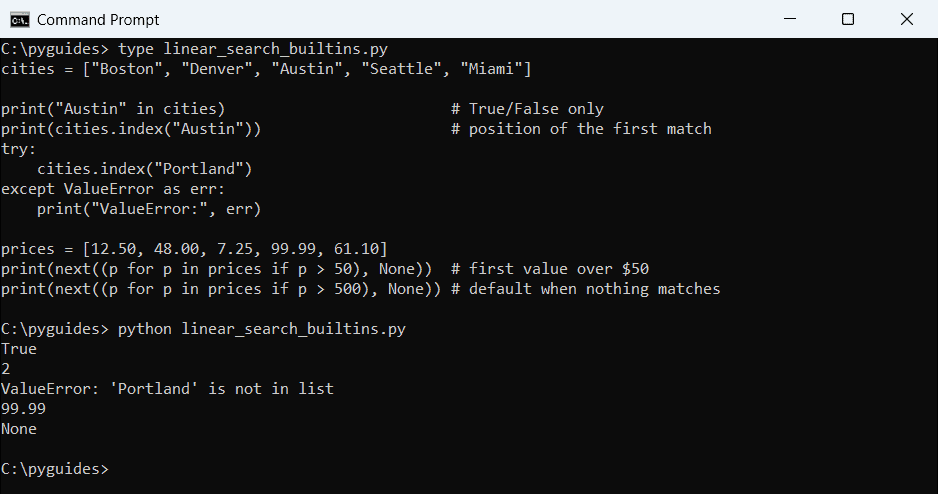 index() raises ValueError when the item is missing, while next() with a default returns None instead.
next() with a generator is my go-to when I’m matching a condition instead of an exact value. More on the operator in the in operator in Python.
Find all matches, not just the first
A linear search can keep going after the first hit and collect every position. A list comprehension does it in one line:
orders = ["TX", "CA", "NY", "TX", "FL", "TX", "CA"] def find_all(items, target): return [i for i, value in enumerate(items) if value == target] print("TX at", find_all(orders, "TX")) print("CA at", find_all(orders, "CA")) print("WA at", find_all(orders, "WA"))Output:
TX at [0, 3, 5] CA at [1, 6] WA at []An empty list means no matches, which is easier to handle than a special value like -1.
Linear search in a list of dictionaries
Real data usually comes as records. Here’s a search for a customer by email, ignoring letter case:
customers = [ {"id": 101, "name": "Emily Clark", "email": "emily@example.com", "state": "TX"}, {"id": 102, "name": "James Lee", "email": "james@example.com", "state": "CO"}, {"id": 103, "name": "Olivia Diaz", "email": "olivia@example.com", "state": "FL"}, ] def find_customer(email): for c in customers: if c["email"].lower() == email.lower(): # case-insensitive match return c return None print(find_customer("JAMES@example.com")) print(find_customer("noone@example.com"))Output:
{'id': 102, 'name': 'James Lee', 'email': 'james@example.com', 'state': 'CO'} None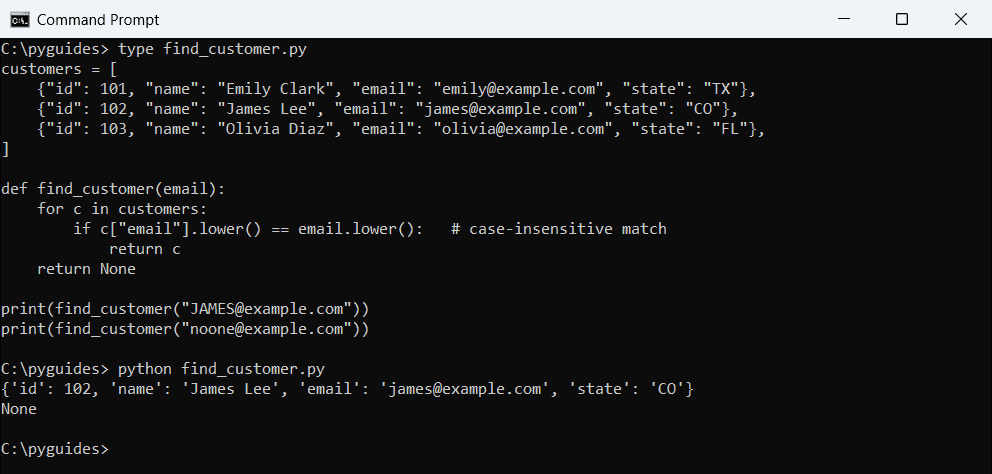 A match returns the whole record; a missing email returns None.
If you’ll look up the same field many times, build a dictionary keyed by email once, like by_email = {c["email"]: c for c in customers}. After that, each lookup is instant.
Is linear search slow? Timing it against a set and bisect
Linear search is O(n): double the list, double the worst-case time. Here’s a 1,000,000-item list searched for its last value:
import bisect import timeit n = 1_000_000 data = list(range(n)) as_set = set(data) target = n - 1 # worst case for linear search: the last item def linear(items, t): for i, v in enumerate(items): if v == t: return i return -1 tests = { "linear_search() loop": lambda: linear(data, target), "target in list": lambda: target in data, "list.index()": lambda: data.index(target), "target in set": lambda: target in as_set, "bisect (sorted list)": lambda: bisect.bisect_left(data, target), } for name, fn in tests.items(): t = min(timeit.repeat(fn, number=5, repeat=3)) / 5 print(f"{name:<22} {t * 1000:>9.4f} ms")Output:
linear_search() loop 27.6849 ms target in list 4.8366 ms list.index() 6.5229 ms target in set 0.0001 ms bisect (sorted list) 0.0002 ms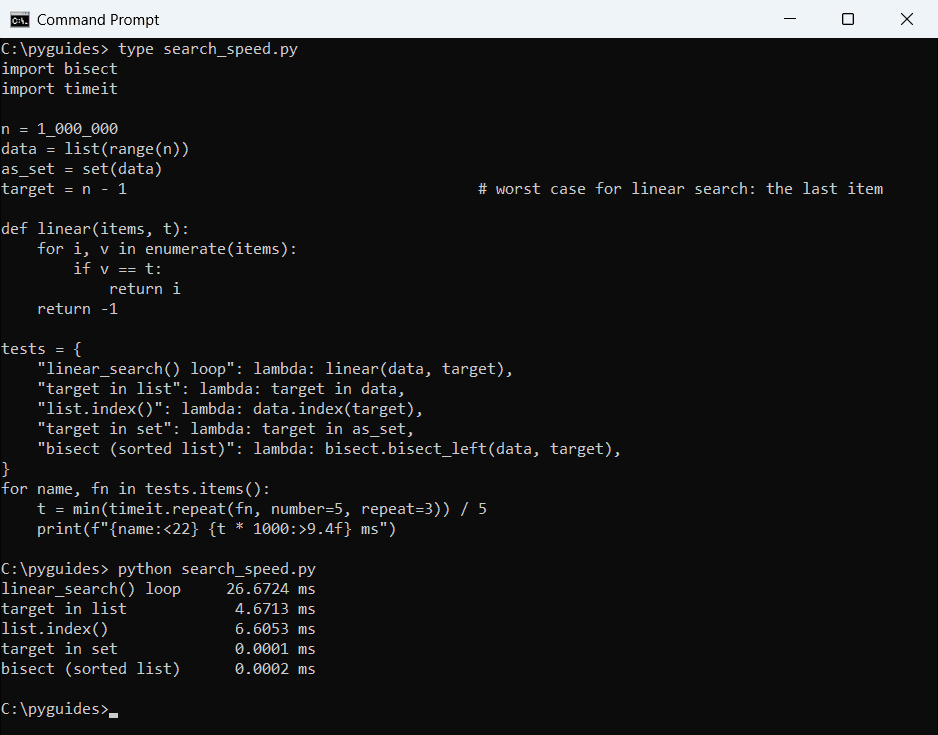 The Python loop is slowest, built-in in and index() are several times faster, and set and bisect lookups take well under a microsecond.
Your times will differ, but the order won’t. For sorted data, binary search with bisect wins; compare it with sorting in insertion sort in Python.
When to use linear search
| The list is small | You search a big list many times (use a set or dict) |
| The data isn’t sorted | The data is sorted (use bisect) |
| You match a condition, not a key | You look up by a unique key (use a dict) |
| You search only once | Speed really matters |
More search and algorithm guides:
- Breadth first search in Python
- Depth first search in Python
- List vs set in Python
- Bisection method code in Python
Frequently asked questions
What is linear search in Python?
An algorithm that checks each item in order until it finds the target, returning its index, or -1 if it isn’t found.
What’s the time complexity of linear search?
O(n) in the worst and average case, and O(1) when the target is first.
Does Python have a built-in linear search?
Yes. x in list and list.index(x) both scan the list item by item.
Does linear search need a sorted list?
No. That’s its main advantage over binary search.
Is linear search faster than binary search?
Only for very small lists or unsorted data. On large sorted lists, binary search is far faster.
Where is list.index documented?
See common sequence operations in the Python docs.






 English (US)