
 3 days ago
15
Club.noww.in
You can loop through files in a directory in Python with Path(folder).iterdir() or os.listdir(), and keep only the files. For one file type, glob("*.csv") filters as it loops:
from pathlib import Path for path in Path("sales_2026").glob("*.csv"): print(path.name)These examples run against a small sales_2026 folder of state sales files that the script rebuilds every time, on Python 3.12.5.
I’ll go through os.listdir and os.scandir, pathlib, filtering by extension, looping through subfolders, and finally reading every CSV to total the sales.
Loop through files in a directory with os.listdir and os.scandir
os.listdir() gives you names only, including folders, so join the path and check isfile(). os.scandir() returns entries that already know their type and size:
import os folder = "sales_2026" for name in os.listdir(folder): path = os.path.join(folder, name) if os.path.isfile(path): # skip the archive subfolder print(name) print("--- os.scandir with sizes ---") with os.scandir(folder) as entries: for entry in entries: if entry.is_file(): print(f"{entry.name:<12} {entry.stat().st_size:>3} bytes")Output:
florida.csv ohio.csv readme.txt texas.csv --- os.scandir with sizes --- florida.csv 30 bytes ohio.csv 17 bytes readme.txt 20 bytes texas.csv 31 bytes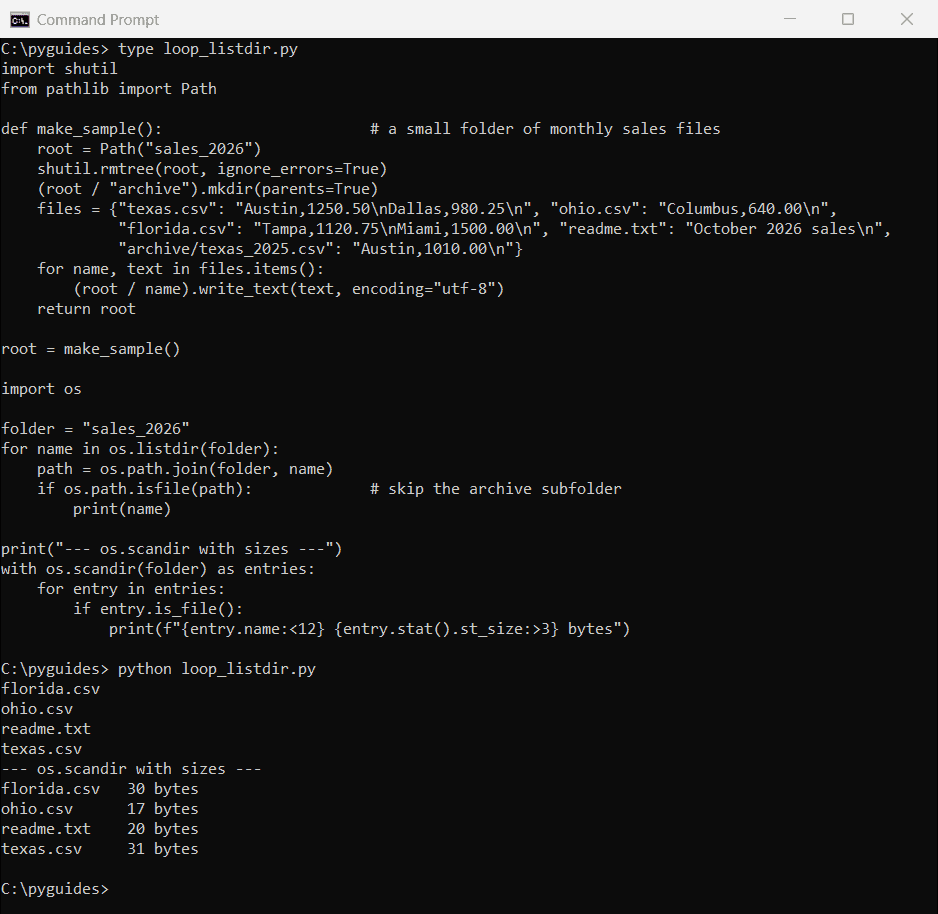 Both loops skip the archive folder; scandir also reports each file’s size.
I reach for scandir when I need file details, because it avoids an extra system call per file. Note the order isn’t guaranteed; sort the names if it matters.
Loop through files with pathlib
With pathlib you get full Path objects with handy attributes like .name, .suffix and .stem:
for path in sorted(root.iterdir()): kind = "folder" if path.is_dir() else path.suffix print(f"{path.name:<12} {kind}")Output:
archive folder florida.csv .csv ohio.csv .csv readme.txt .txt texas.csv .csvPaths join with / instead of a function call, which I find easier to read than os.path.join().
Loop through files of one type with glob
If you only want certain files, glob() matches a pattern in one folder. rglob() searches every subfolder too:
print("top-level CSVs:", sorted(p.name for p in root.glob("*.csv"))) print("all CSVs: ", sorted(str(p.relative_to(root)) for p in root.rglob("*.csv")))Output:
top-level CSVs: ['florida.csv', 'ohio.csv', 'texas.csv'] all CSVs: ['archive\\texas_2025.csv', 'florida.csv', 'ohio.csv', 'texas.csv']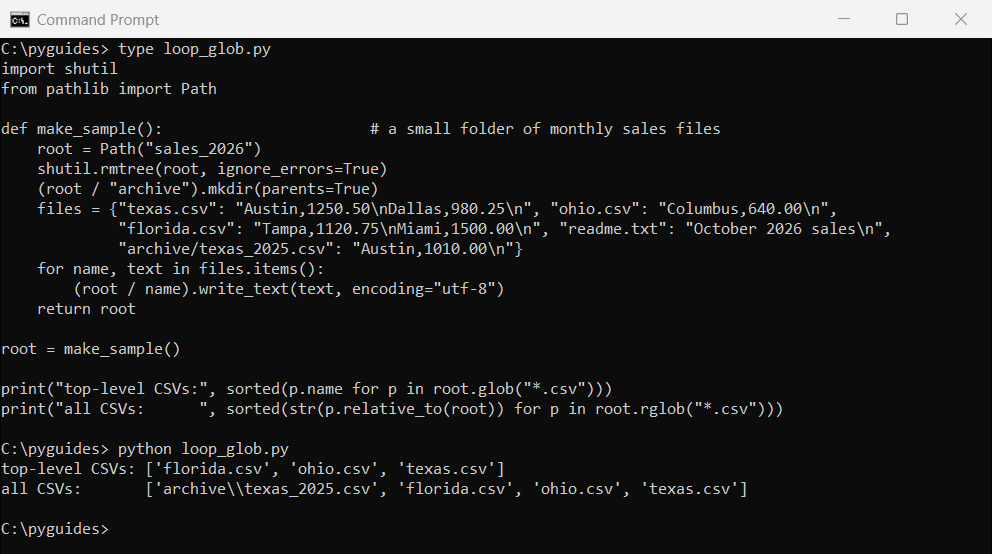 glob found three CSVs; rglob also found the one inside archive.
To see everything in a folder at once, see listing files in a directory.
How do you loop through files in subfolders?
os.walk() visits every folder in the tree and hands you its path, subfolders and files at each step:
import os for dirpath, dirnames, filenames in os.walk("sales_2026"): print(dirpath, "->", sorted(filenames))Output:
sales_2026 -> ['florida.csv', 'ohio.csv', 'readme.txt', 'texas.csv'] sales_2026\archive -> ['texas_2025.csv']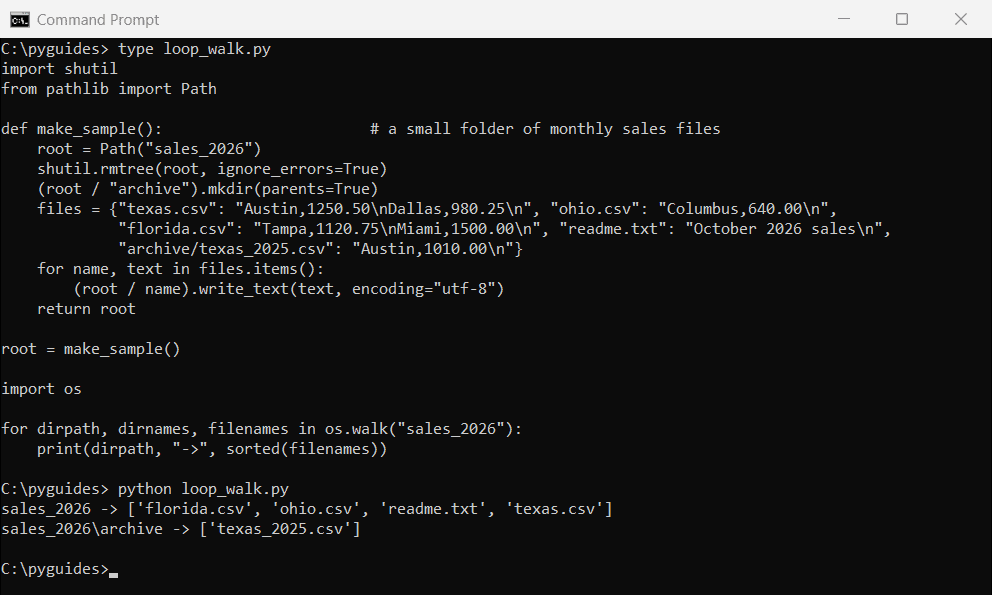 One line per folder: the top folder first, then archive.
You can prune the walk by editing dirnames in place, for example removing "archive" so it’s skipped.
Process every file in a directory
Here’s the real goal most of the time: open each file and do something with it. This loop reads every state CSV and totals the sales:
import csv grand_total = 0.0 for path in sorted(root.glob("*.csv")): with path.open(newline="", encoding="utf-8") as f: total = sum(float(amount) for _city, amount in csv.reader(f)) grand_total += total print(f"{path.stem.title():<8} ${total:>9,.2f}") print(f"{'Total':<8} ${grand_total:>9,.2f}")Output:
Florida $ 2,620.75 Ohio $ 640.00 Texas $ 2,230.75 Total $ 5,491.50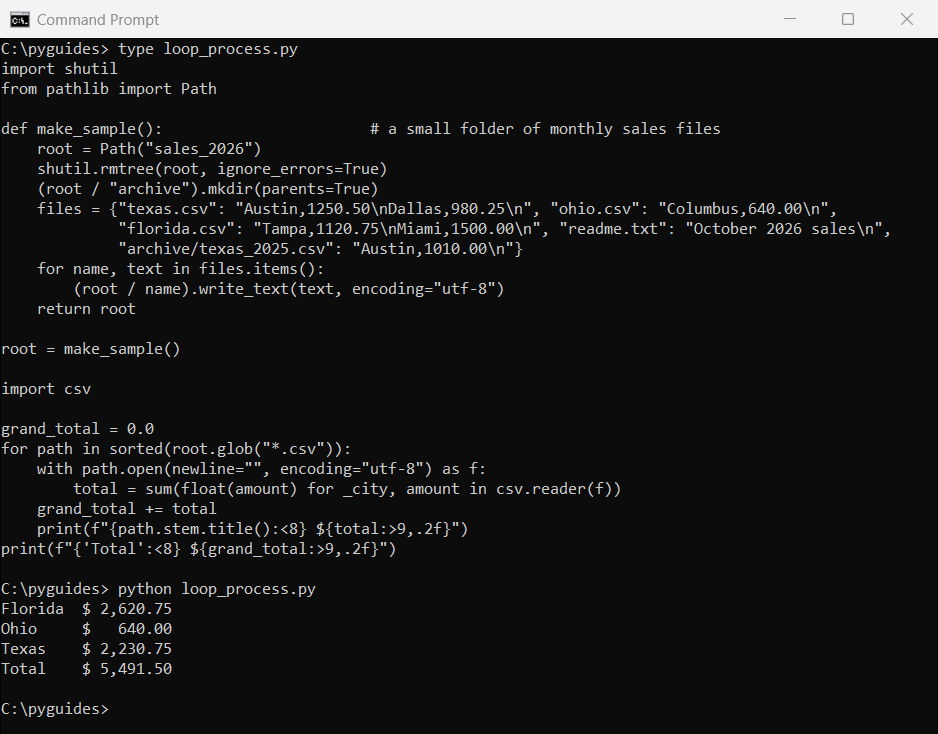 Three state files read in sorted order, with a grand total of $5,491.50.
Opening each file with with closes it right after it’s read; see Python with open. For cleaning a folder instead, see deleting all files in a directory.
Which way should you loop through files?
| Just the names in one folder | os.listdir() |
| Names plus size or type, fast | os.scandir() |
| Path objects, clean code | Path.iterdir() |
| Only one file type | Path.glob("*.csv") |
| Every subfolder too | Path.rglob() or os.walk() |
These file and folder guides go well with this one:
- Make a directory in Python
- Move a file in Python
- Change the working directory
- Read a file into a list
Frequently asked questions
How do I loop through files in a directory in Python?
Use for path in Path(folder).iterdir(): and check path.is_file(), or loop over os.listdir(folder).
How do I loop through only CSV files?
Use Path(folder).glob("*.csv"), or rglob to include subfolders.
How do I include subfolders?
Use Path.rglob("*") or os.walk(), which visits every folder in the tree.
Why are my files in a random order?
Directory listings aren’t sorted. Wrap the loop in sorted() for alphabetical order.
What’s faster, os.listdir or os.scandir?
os.scandir is usually faster when you also need file types or sizes, because entries carry that information.
Where is os.scandir documented?
See os.scandir in the Python docs.







 English (US)