
Club.noww.in
Hi, I'm Adrian, and today I will live demo pyinfra, an infrastructure automation tool.
We will deploy two websites – a landing page and a Python web app – first on a local virtual machine, and then on two remote servers, using only Python code.
Note
This is the edited transcript of a talk I gave at a local DevOps meetup. While part of the "live" aspect is lost in writing, I think it's a pretty decent pyinfra tutorial, so you are welcome to follow along at home.
Contents- About me
- What is pyinfra?
- Why use pyinfra?
- When to use pyinfra?
- The demo
- Operations and facts
- Where are the commands?
- Inventory + nginx setup
- Static site + code reuse
- Web app + secrets
- HTTPS + prod
- Questions?
About me #
Before we talk about pyinfra, I should introduce myself.
I worked at a Fortune 10 company for most of my career, where I did site reliability engineering for the reverse proxy behind some really big websites and two thousand smaller ones, and where I built a data-lake-plus-feature-store for an ML organization.
In my spare time, I write about Python on this website, and I maintain the creatively named reader, a Python feed reader library and web app. Lately I've been working on a hosted version of reader, which is how I ended up using pyinfra.
What is pyinfra? #
pyinfra is a mostly command-line tool that turns Python code into shell commands and runs them on many servers over SSH, in parallel. Think Ansible, but simpler.
Why use pyinfra? #
I chose pyinfra because, like Ansible, it is declarative – you describe what a server should look like, and pyinfra makes it so – and idempotent – nothing happens if the server is already in the desired state.
Unlike Ansible, there's no YAML – deploys (playbooks) are Python code, which means you can do anything Python code can do: you can have fors and ifs, you can have code completion and type checking, and you can even import libraries.
Of interest to people using Ansible at larger scales, pyinfra is also faster; in my limited, small-scale experience, it was faster than Ansible with the Mitogen plugin.
In fairness to Ansible, while pyinfra has been around for 10 years, it has fewer built-in operations (modules) and a smaller ecosystem, although that's partially offset by how easy it is to write custom operations.
When to use pyinfra? #
pyinfra use cases follow from what it does – configuring servers over SSH.
As such, pyinfra is good for boring, cloud-agnostic architectures, from lots of servers with different roles all the way down one-computer programming, where it still makes deploys reproducible and prevents drift.1
It is pretty easy to learn too, so it's a good fit for self-hosting and home servers, and even if you don't use it for configuration management, pyinfra gives you a convenient way of running ad-hoc commands on fleets of servers.2
The simplicity comes with limitations: fully-automated pipelines are extra work, and care is needed if multiple people run deploys at the same time. Nevertheless, you can get pretty far if you structure your deploys well, and there's a Python API for building stuff on top.
The demo #
I'll try to focus on the interesting parts, but you can find the entire code on GitHub.
At the end of the demo, we'll have two websites, a landing page and a Python web app, deployed in two stages – a local virtual machine for beta:
...and two separate servers for prod:
Operations and facts #
First, we should get familiar with two basic pyinfra concepts.
Operations change the server in some way; most are declarative and idempotent, and you use them to ensure state. A Python file containing operations is called a deploy.
Here's a simple deploy with one operation that says "I want hello.txt to exist":
If we run this deploy (below, on my @local machine), we see a list of all the operations and on which hosts they will produce changes, and are asked to approve them:
If we do, we see the operations running and their outcomes:
And now hello.txt exists:
Since files.file is idempotent, nothing happens if we run the deploy again:
Facts gather data about the target host; you use them to control operations.
Here's a deploy that installs the Apache web server:
The package is usually called httpd, but Debian-based distributions call it apache2, so we use the LinuxName fact to detect where we are and pass the right name to the server.packages operation. My machine is a Mac, so the httpd branch is chosen:3
Where are the commands? #
Before we look at debug output, let's see how pyinfra operations are implemented.
Here's a simplified version of the files.file implementation:
The structure is similar for all operations: read the host state using facts, diff it against the desired state, and return commands to reach the desired state if they don't match.
Here's another deploy that says "I want hello.txt to not exist":
With --debug, we can see the commands being run during each execution phase.
During the prepare phase (before approval), pyinfra runs the deploy code once per host to load operations, and then runs each operation to see if it returns commands, without running the commands themselves (this is how "detected changes" works).
Running operations runs facts, which results in read-only commands being run:
During the execute phase, pyinfra runs the previously loaded operations again, but this time it runs the commands returned by them too:
Inventory + nginx setup #
So far we've been using my local machine as target host, but we want beta to be as similar to prod as possible, so I've set up an Ubuntu virtual machine with Vagrant.
Also, you will typically use an inventory file containing groups of hosts instead of passing individual hosts directly to the CLI. For our demo, we need just one group:
Since the inventory is a Python file, groups don't have to be list literals – you could, for example, import a library and list instances in an autoscaling group dynamically.
Here's how you use an inventory to run arbitrary commands:
We'll use nginx for both of our websites, which means we need to install it first.
Here's what the main deploy looks like (minus imports):
5
6
7
8
9
10
11
12
13
14
15
16
17
18
19 | apt.update(name="apt update", cache_time=24 * 3600)
apt.packages('nginx', name="install nginx")
disable_default = files.link(
name="disable default site",
path='/etc/nginx/sites-enabled/default',
present=False,
)
server.service(
name="reload nginx",
service='nginx',
reloaded=True,
_if=disable_default.did_change,
)
|
We update the package cache, we install nginx, we disable the default "Welcome to nginx!" site, and then we reload the nginx config. To avoid unnecessary reloads, we use the _if global argument to reload only if the previous operation actually ran.
In theory, we could use a fact to gate the last two operations instead:
...but that if happens in the prepare phase, when nginx (and the symlink) hasn't been installed yet, so they would be skipped on the first run.
If we run the deploy, no change is detected for "disable default site" (no symlink yet):
...but the operation does run, as the prophecy foretold ("side effects of operations may alter behaviour of future operations").
Static site + code reuse #
With nginx installed, we can proceed to the static home page.
We'll put the operations in a separate file that we include in the main deploy, which in addition to keeping code tidy, allows specific tasks to be conditional:
23
24 | if host.data.get('home_domain'):
local.include('tasks/home.py')
|
Host data is arbitrary data associated with hosts in the inventory file:
The home page deploy itself is pretty straightforward:
4
5
6
7
8
9
10
11
12
13 | from modules import nginx
sync_files = files.sync(
name="sync files",
src='../home',
dest='/opt/home',
delete=True,
)
nginx.site('templates/nginx/home.conf', host.data.home_domain)
|
There's one operation that synchronizes files from a local directory to a remote one, and another operation that sets up an nginx site using the domain from host data.
Except nginx.site isn't actually an operation, but a packaged deploy; besides the function definition that makes it reusable, it looks like any other deploy:
7
8
9
10
11
12
13
14
15
16
17
18
19
20
21
22
23
24
25
26
27
28 | @deploy("nginx site")
def site(template, domain, **context):
write_site = files.template(
name="write",
src=template,
dest=f'/etc/nginx/sites-available/{domain}',
domain=domain,
**context,
)
enable_site = files.link(
name="enable",
path=f'/etc/nginx/sites-enabled/{domain}',
target=f'/etc/nginx/sites-available/{domain}',
)
server.service(
name="reload",
service='nginx',
reloaded=True,
_if=any_changed(write_site, enable_site),
)
|
files.template uses Jinja, so we can have a base template for all HTTP sites:
...that we then extend with site-specific configuration:
Passing --diff shows the rendered template, which is pretty neat:
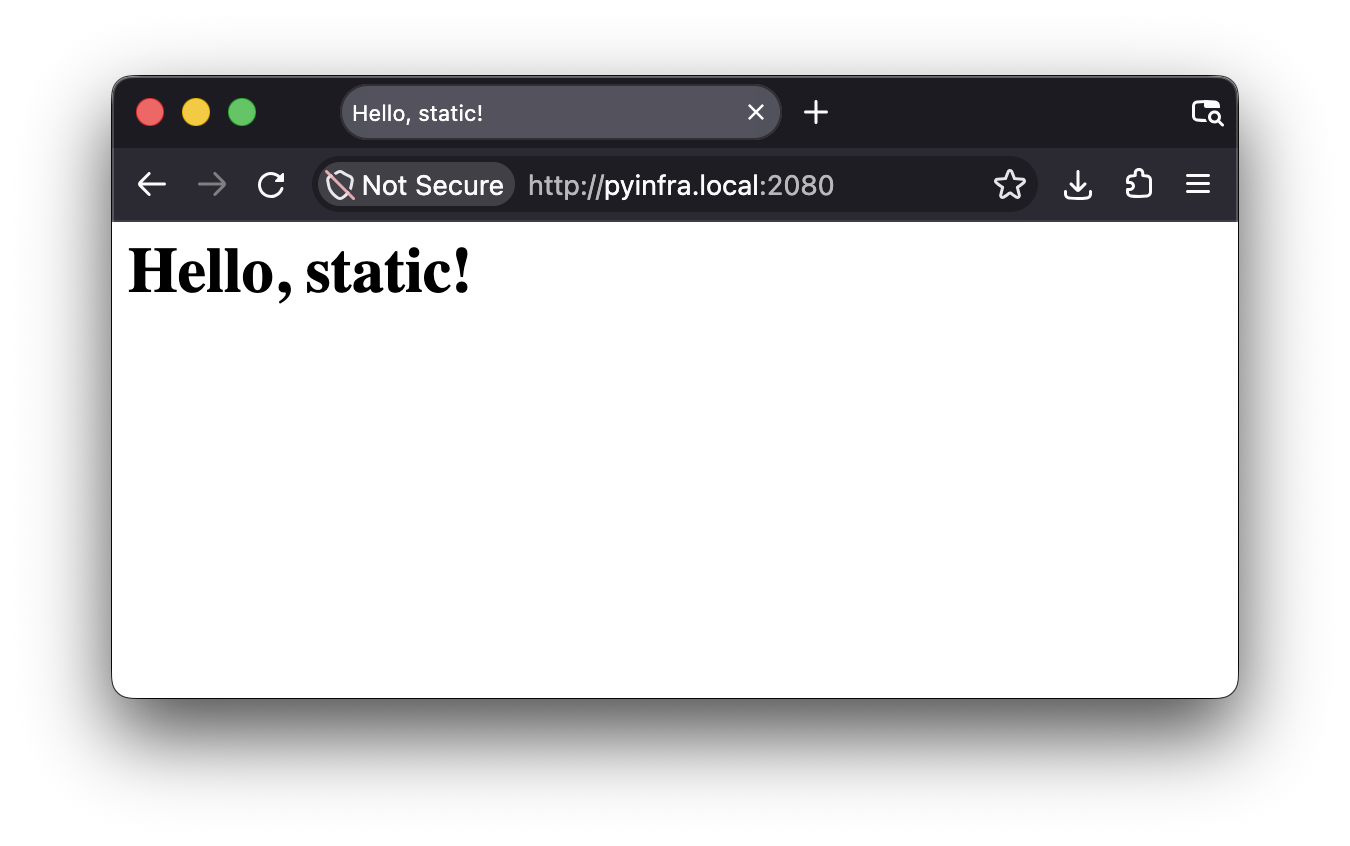
And now we have a static site!
Web app + secrets #
The web application is a simple Flask app that we can install with pip:
We serve it using a traditional Gunicorn being nginx on a Unix socket setup:
:80, :443 | .-------------. | nginx | groups: app-socket, www-data '-------------' | app.sock groups: app-socket | .- Gunicorn --. | web app | groups: app-socket, app '-------------'The deploy for it is slightly bigger, but hopefully still straightforward.
We have operations to create users and groups:
12
13
14
15
16
17
18
19
20
21
22
23
24
25
26
27
28 | server.group('app', name="create app group")
server.group('app-socket', name="create socket group")
server.user(
name="create user",
user='app',
group='app',
groups=['app-socket'],
home="/var/lib/app",
shell="/usr/sbin/nologin",
system=True,
)
server.user(
name="nginx socket access",
user='www-data',
groups=['app-socket'],
append=True,
)
|
...to create a virtual environment with our app and its dependencies:
30
31
32
33
34
35
36
37
38
39
40
41
42
43
44
45 | apt.packages('python3-venv', name="install venv")
pip.venv('/opt/app', 'python3', name="create venv")
pip.packages(['gunicorn'], virtualenv='/opt/app', name="install deps")
sync_files = files.sync(
name="sync app files",
src='../app',
dest='/opt/app/src',
delete=True,
exclude_dir=['**/__pycache__'],
)
install_app = server.shell(
"/opt/app/bin/pip install /opt/app/src",
name="install app",
_if=sync_files.did_change,
)
|
...to create and start a systemd service for Gunicorn:
56
57
58
59
60
61
62
63
64
65
66
67
68 | write_service = files.template(
name="write service",
src='templates/systemd/app.service',
dest='/etc/systemd/system/app.service',
)
systemd.service(
name="enable service",
service='app.service',
enabled=True,
restarted=True,
daemon_reload=True,
_if=any_changed(install_app, write_config, write_service),
)
|
...and finally to configure nginx:
70 | nginx.site('templates/nginx/app.conf', host.data.app_domain)
|
In addition, Flask needs a secret key, which usually comes from a config file:
47
48
49
50
51
52
53
54 | write_config = files.template(
name="write config",
src='templates/config.py.jinja',
dest='/etc/opt/app/config.py',
group='app',
mode=640,
get_secret=secrets.get_secret,
)
|
The question is, where do we store the secret key before writing the config?
The simple (and wrong) solution is to hardcode it in the deploy or in the template; unencrypted-secrets-in-version-control issue aside, we'd also like the secrets to be different between beta and prod.
As I said, a deploy is a Python file, so we can do anything: we can get them from a password manager, a security key, or even an encrypted file. To illustrate the point, here's a simple function that reads named secrets from an unencrypted JSON file:4
The stage comes from host data, this time not in the inventory, but in a group data file that applies to all hosts in a group (beta, the inventory name, is an implicit group):
The config template looks like this:
Deploying looks the same, only with way more operations:
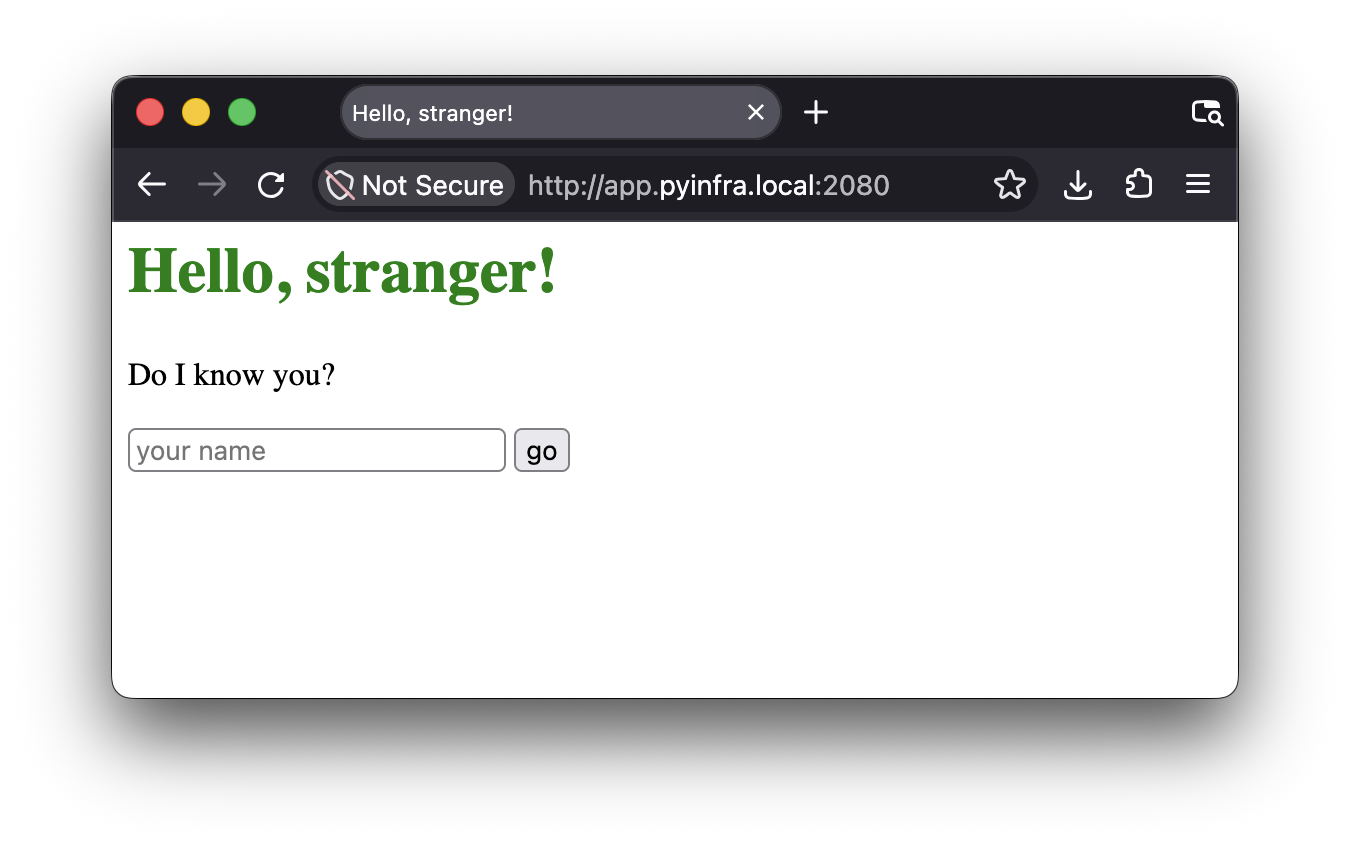
And now we have a web app:
HTTPS + prod #
That's a nice looking web app, but it would be even nicer if it were not "not secure". This requires HTTPS, which requires a TLS certificate.
Fortunately, those are easy to get these days – Let's Encrypt provides free certificates, and Certbot will request, install, and renew them automatically.
Unfortunately, there's no built-in Certbot operation, so we have to write a custom one:
8
9
10
11
12
13
14 | @operation()
def certificate(domain):
if domain in host.get_fact(Certificates):
return
yield f"certbot certonly -d {quote(domain)} -n --nginx --agree-tos"
|
Like in the initial example, we read the host state using a fact and then return commands if it doesn't match the desired state. The fact is custom too:
17
18
19
20
21
22
23
24
25 | class Certificates(FactBase):
default = dict
requires_command = "certbot"
def command(self):
return "certbot certificates"
def process(self, output):
return {c['name']: c for c in _parse_certbot_certificates(output)}
|
And we already have a convenient place where we can use the operation:
10
11
12
13
14
15
16
17
18
19
20
21
22
23
24
25
26 | @deploy("nginx site")
def site(template, domain, https=None, **context):
reload_ops = []
if https is None:
https = host.data.get('nginx_https')
if https:
reload_ops.append(certbot.certificate(domain, name="cert"))
write_site = files.template(
name="write",
src=template,
dest=f'/etc/nginx/sites-available/{domain}',
base=f"templates/nginx/http{'s' if https else ''}.conf",
domain=domain,
**context,
)
|
Also unfortunately, Certbot needs a resolvable domain name to work, so we can't test this using the beta virtual machine... but we can always test in prod. ( ≖‿ ≖ )
Here's a new inventory with two hosts, each with its own domain and HTTPS enabled:
I say we just go for it:
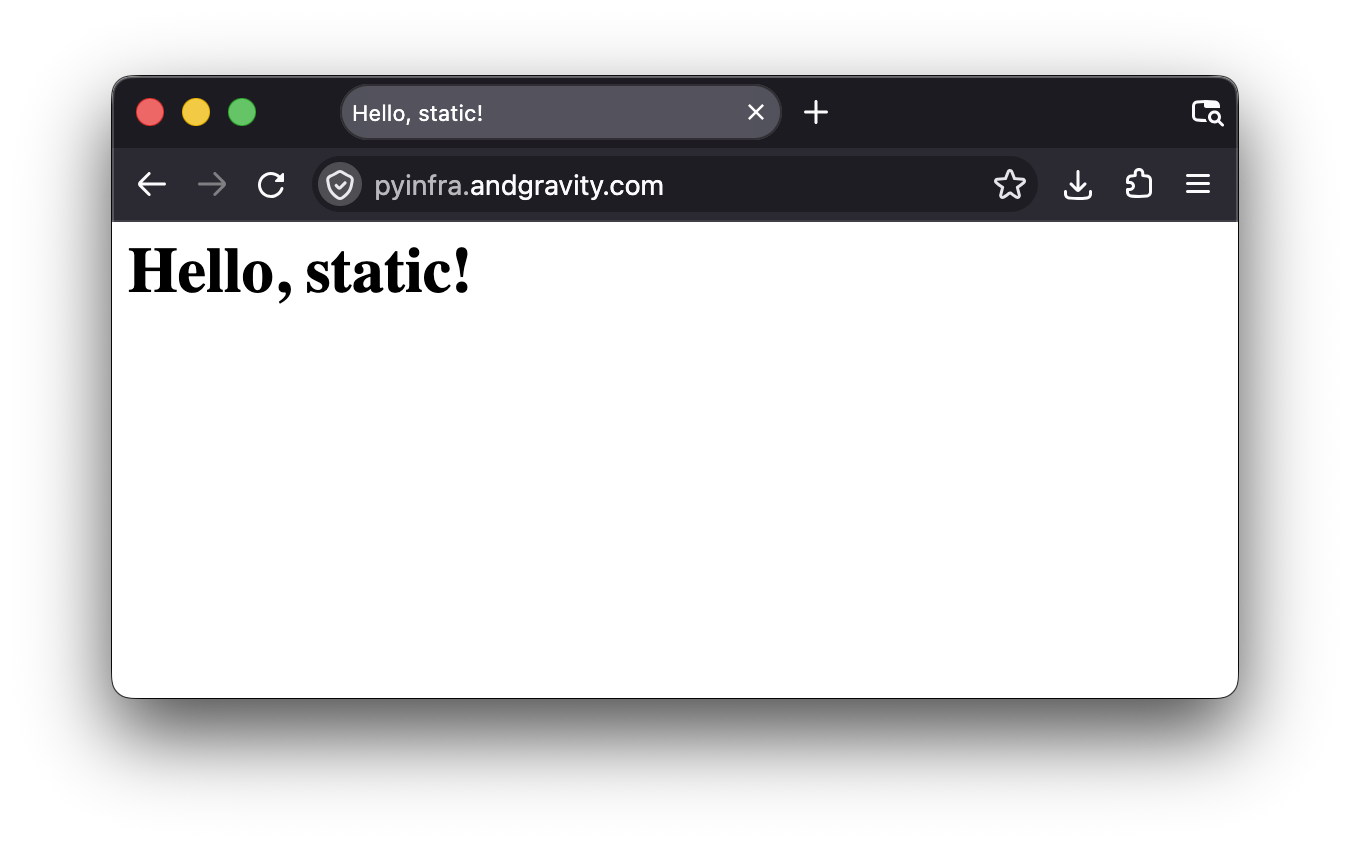
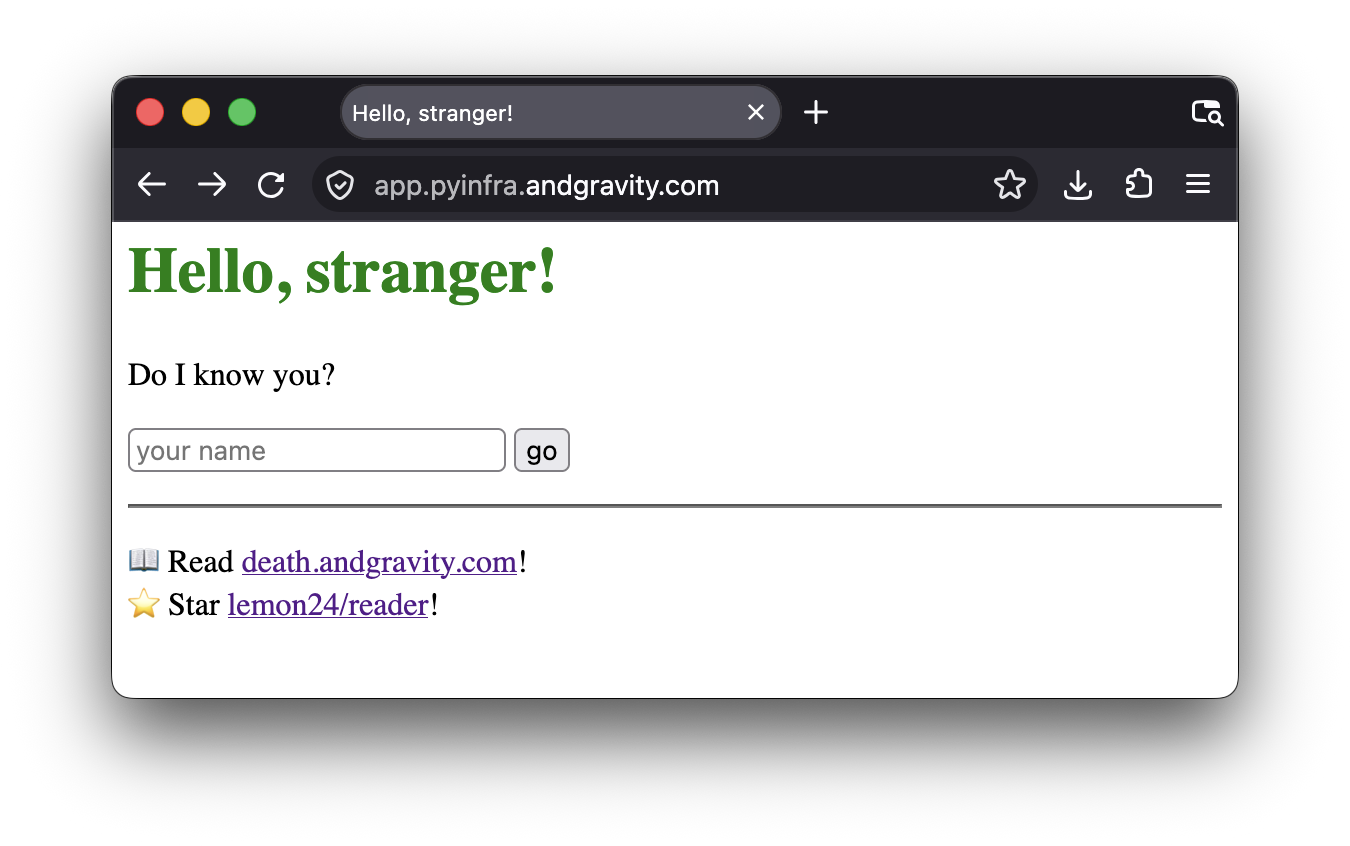
One minute later, there are ✨ two new websites ✨ on the internet:5
Questions? #
Coming soon :)
Anyway, that's it for now.
Learned something new today? Share it with others, it really helps!
Want to know when new articles come out? Subscribe via email to get new stuff straight to your inbox!
And you're bound to have extra dev and pre-prod machines anyway. [return]
Say you have a memory leak during a high traffic period and need to reload stuff once in a while until you can find the root cause. [return]
Deploy deploy code runs once per host, so you could have different branches on different hosts within the same run. [return]
Which you absolutely should not do, use keyrings.cryptfile instead. [return]
Well, not anymore, there's no point in paying to host this :) [return]








 English (US)