
Club.noww.in
From the previous tutorials in this series, you now have quite a bit of Python code under your belt. Everything you have seen so far has consisted of sequential execution, in which statements are always performed one after the next, in exactly the order specified.
But the world is often more complicated than that. Frequently, a program needs to skip over some statements, execute a series of statements repetitively, or choose between alternate sets of statements to execute.
That is where control structures come in. A control structure directs the order of execution of the statements in a program (referred to as the program’s control flow).
Here’s what you’ll learn in this tutorial: You’ll encounter your first Python control structure, the if statement.
In the real world, we commonly must evaluate information around us and then choose one course of action or another based on what we observe:
If the weather is nice, then I’ll mow the lawn. (It’s implied that if the weather isn’t nice, then I won’t mow the lawn.)
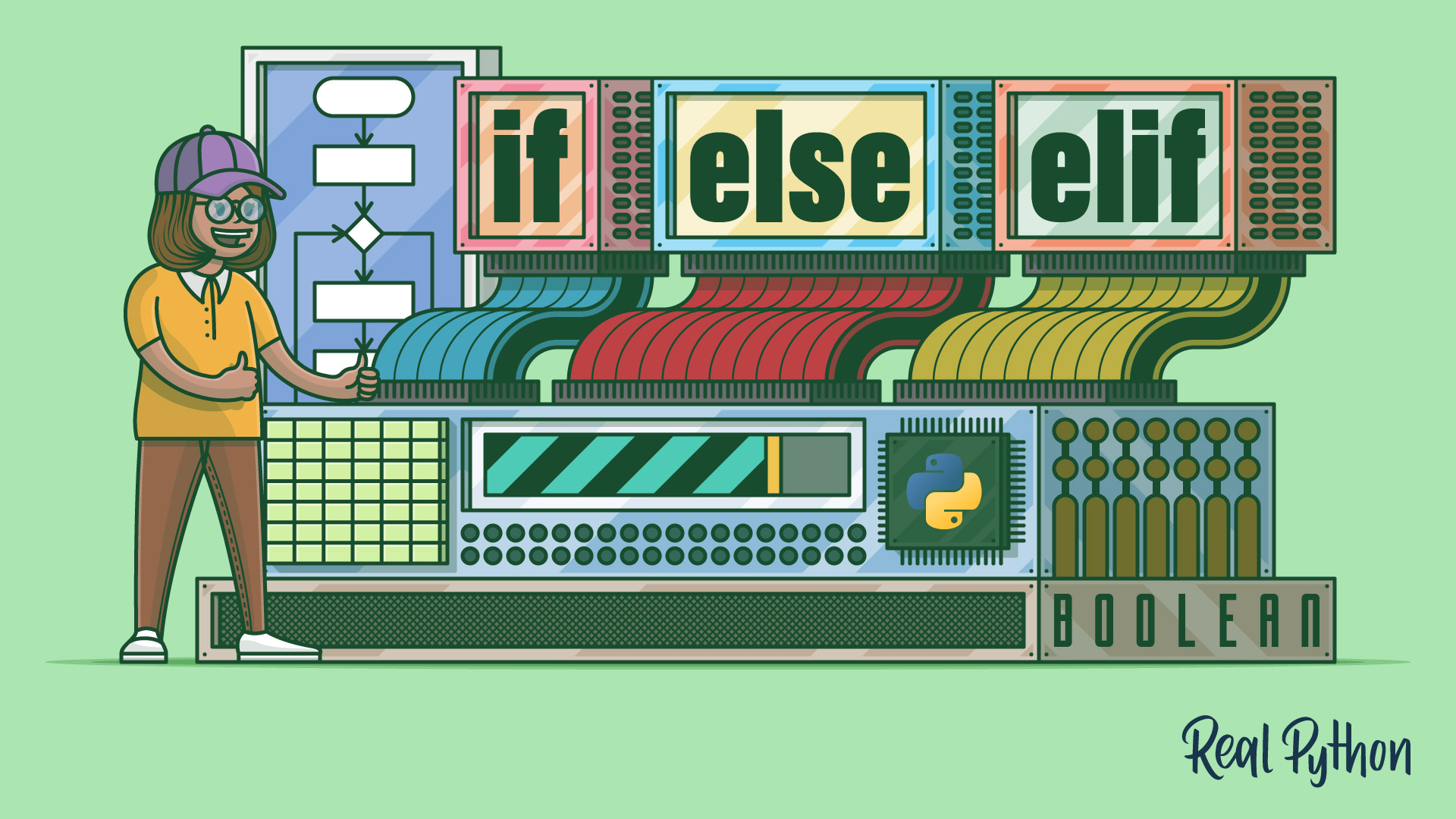
In a Python program, the if statement is how you perform this sort of decision-making. It allows for conditional execution of a statement or group of statements based on the value of an expression.
The outline of this tutorial is as follows:
- First, you’ll get a quick overview of the if statement in its simplest form.
- Next, using the if statement as a model, you’ll see why control structures require some mechanism for grouping statements together into compound statements or blocks. You’ll learn how this is done in Python.
- Lastly, you’ll tie it all together and learn how to write complex decision-making code.
Ready? Here we go!
Get Your Code: Click here to download the free sample code that shows you how to use if, elif, and else statements in Python.
Take the Quiz: Test your knowledge with our interactive “Python Conditional Statements” quiz. You’ll receive a score upon completion to help you track your learning progress:
Interactive Quiz
Python Conditional StatementsTest your understanding of Python conditional statements. You'll practice using if, elif, and else to control the flow of your programs.
Python for Beginners Live Course: Want to practice conditionals and the rest of Python’s control flow with an instructor? In Real Python’s Python for Beginners live course, you write real programs that make their own decisions, with live help in a small group whenever you get stuck. Join the waitlist to hear about the next dates.
Introduction to the if Statement
We’ll start by looking at the most basic type of if statement. In its simplest form, it looks like this:
In the form shown above:
- <expr> is an expression evaluated in a Boolean context, as discussed in the section on Boolean Operators in the Operators and Expressions in Python tutorial.
- <statement> is a valid Python statement, which must be indented. (You will see why very soon.)
If <expr> is true (evaluates to a value that is “truthy“), then <statement> is executed. If <expr> is false, then <statement> is skipped over and not executed.
Note that the colon (:) following <expr> is required. Some programming languages require <expr> to be enclosed in parentheses, but Python does not.
Here are several examples of this type of if statement:
Note: If you are trying these examples interactively in a REPL session, you’ll find that, when you hit Enter after typing in the print('yes') statement, nothing happens.
Because this is a multiline statement, you need to hit Enter a second time to tell the interpreter that you’re finished with it. This extra newline is not necessary in code executed from a script file.
Grouping Statements: Indentation and Blocks
So far, so good.
Read the full article at https://realpython.com/python-conditional-statements/ »
[ Improve Your Python With 🐍 Python Tricks 💌 – Get a short & sweet Python Trick delivered to your inbox every couple of days. >> Click here to learn more and see examples ]






 English (US)